Move to Webflow with a plan for your content, SEO, and team.

Migrate your marketing website with the structure and checks the move needs. We plan content, URLs, CMS collections, forms, and handover so the new site supports the people managing it.

The details around the move matter as much as the rebuild.

A migration touches more than the visible pages. Agree what needs to carry over and how it will be checked before changing the platform.

URLs and search signals

Changed URLs, missing redirects, or inconsistent canonicals can create problems after launch.

Content and relationships

Articles, categories, media, and internal links need a content model and a reconciliation plan.

Forms and integrations

A form can look correct while its delivery, CRM connection, or tracking is incomplete.

The editing workflow

Moving content into Webflow does not automatically give your team the page-building workflow it needs.

A Webflow migration built around the existing site and its next use.

We assess whether Webflow fits, inventory the current website, and define the layouts, content, integrations, and publishing tasks included in the move.
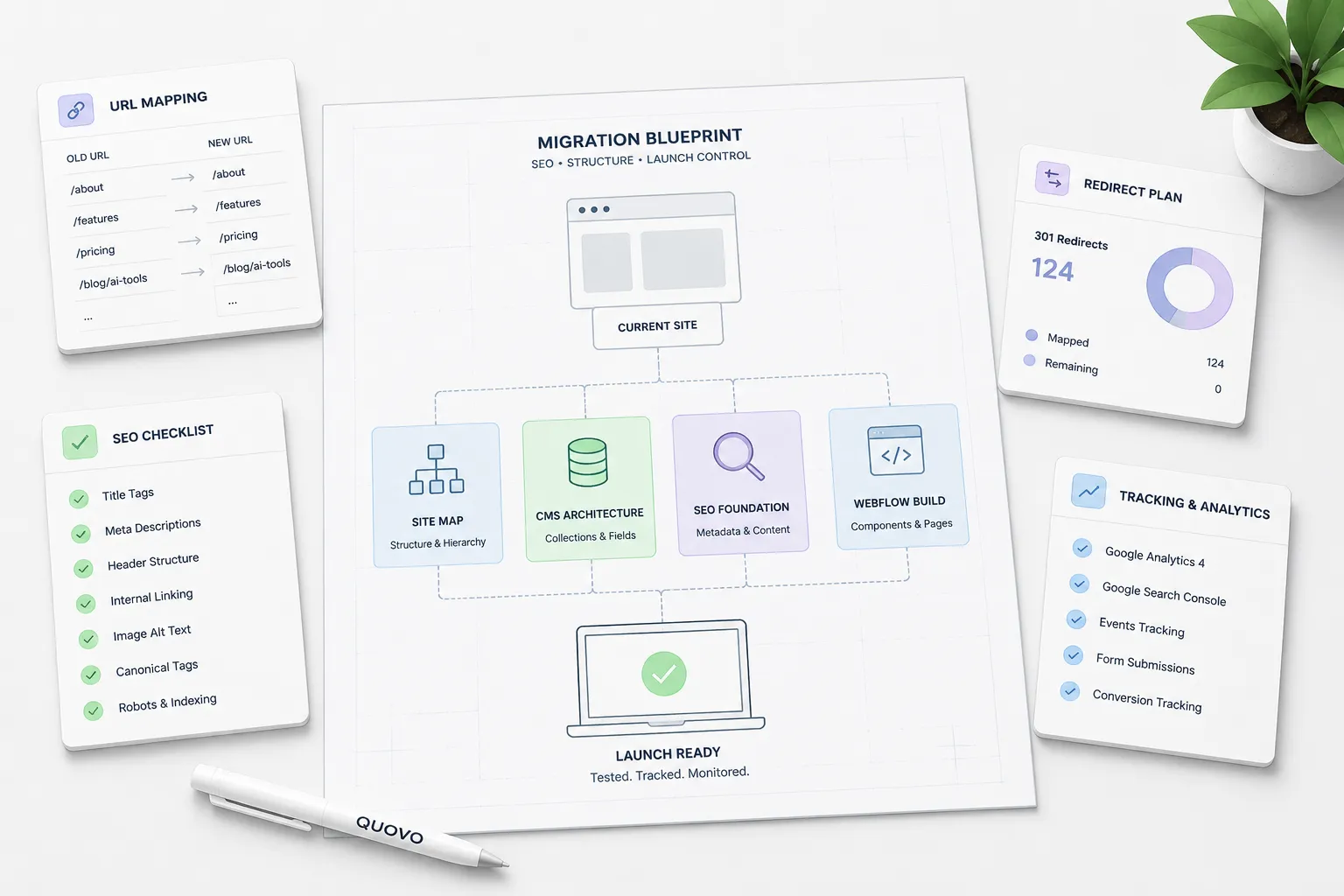
Preserve agreed design and content, with redesign work identified separately.
Plan CMS collections, reusable templates, and editing permissions.
Map URLs and check redirects, metadata, canonicals, sitemaps, and internal links.
Migrate agreed content and assets, recording exceptions and reconciliation checks.
Test forms, integrations, responsive pages, and the editor workflow before launch approval.
Still evaluating the destination? Explore Migration & Modernization
A migration blueprint diagram showing site map, CMS architecture, SEO foundation, Webflow build, and a launch-ready laptop.

A clearer migration and a more usable handover.

A documented move

Know what is included, what changes, and what needs attention before launch.

A structured CMS

Organize content around the pages and collections your team manages.

SEO checks built into delivery

Review technical search signals before cutover and agree the checks that follow it.

Practical editor control

Give your team tested editing tasks, training, and clear development boundaries.

How the Webflow migration works

Scope, preservation, and launch readiness are reviewed together.

Review the current site

Inventory pages, content, integrations, search requirements, and editor tasks. Confirm the case for Webflow.
Map the destination

Agree layouts, CMS collections, URLs, redirects, and the publishing workflow. Review a representative page.

Build and migrate

Implement the Webflow site, move the agreed content, and check content counts, links, forms, and responsive behavior.

Verify and hand over

Complete the launch checklist and editor trial, agree the cutover and recovery plan, then perform the scoped post-launch checks.
Review the current site

Inventory pages, content, integrations, search requirements, and editor tasks. Confirm the case for Webflow.

Map the destination

Agree layouts, CMS collections, URLs, redirects, and the publishing workflow. Review a representative page.

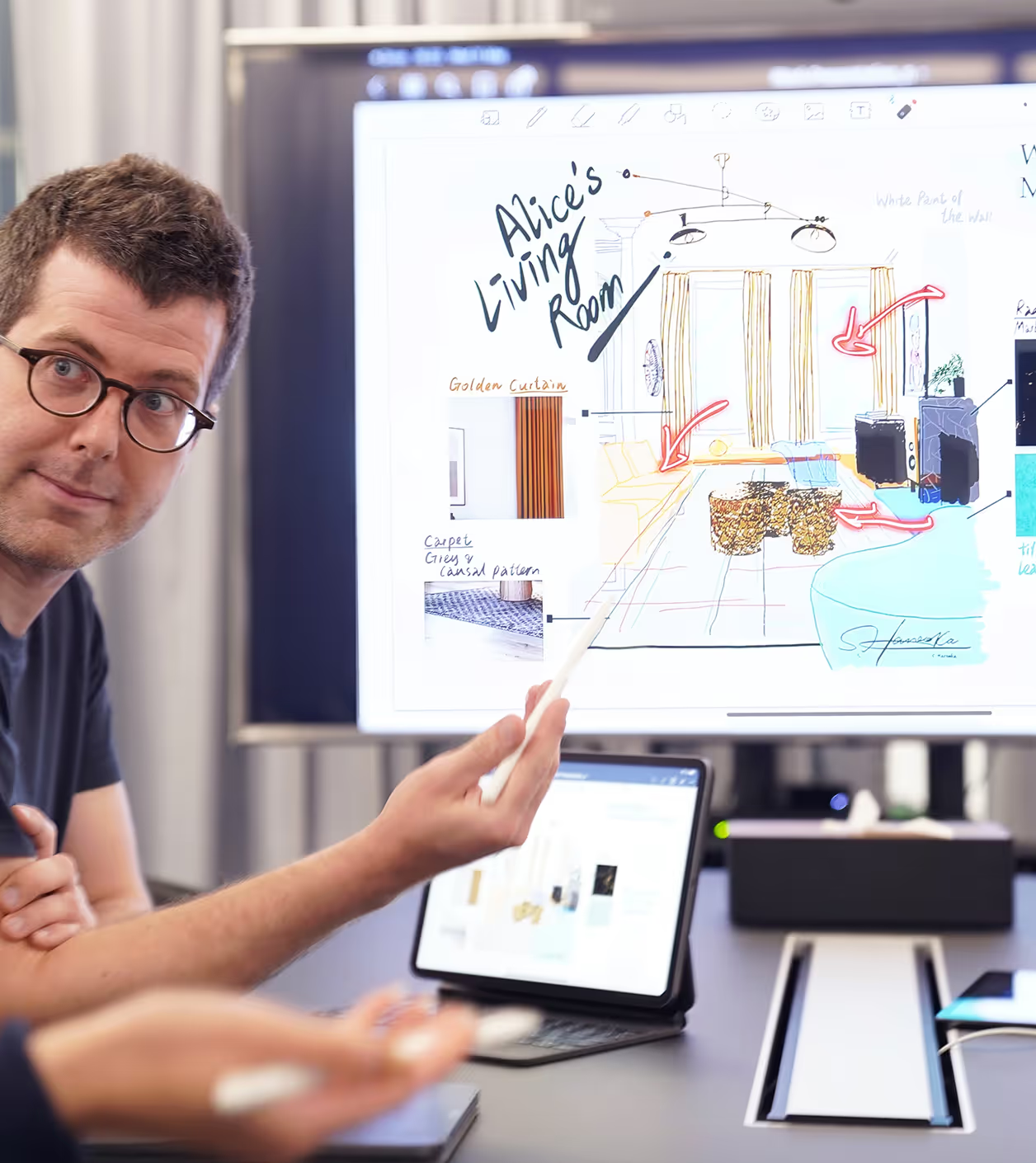
Colleagues planning together in a bright office

Build and migrate

Implement the Webflow site, move the agreed content, and check content counts, links, forms, and responsive behavior.

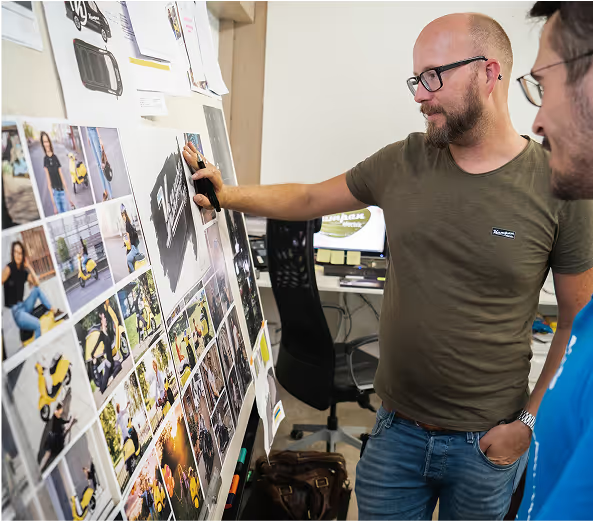
Colleagues reviewing documents and a laptop

Verify and hand over

Complete the launch checklist and editor trial, agree the cutover and recovery plan, then perform the scoped post-launch checks.

Colleagues reviewing documents and a laptop
Colleagues planning together in a bright office

Is Webflow the right destination?

A good fit when

  • Webflow meets the website’s content, integration, and editing requirements.
  • You have existing content and search signals that need a planned transition.
  • An editor can review the workflow and take ownership after handover.

Consider another scope when

  • A focused improvement could resolve the current problem without moving.
  • The destination platform has not yet been evaluated against your requirements.
  • The project includes application behavior or functionality needing separate discovery.

Questions about moving to Webflow

No. We use content inventories, URL planning, redirects, metadata checks, and launch verification to reduce avoidable risk. Search visibility can still change, so we agree monitoring and follow-up responsibilities.

No. We use content inventories, URL planning, redirects, metadata checks, and launch verification to reduce avoidable risk. Search visibility can still change, so we agree monitoring and follow-up responsibilities.
Yes. We review the WordPress content, theme behavior, plugins, forms, and integrations to determine what needs to be migrated, rebuilt, or handled differently in Webflow.
Where that is the agreed brief, we compare the rebuild with approved reference pages and screen sizes. Any intentional design changes should be defined separately.
We define the page types and sections included, then test the editing and publishing workflow with your team. New layouts or functionality outside that system require development.
We can assess improvements to the existing site or a different modernization approach. The broader Migration & Modernization service covers that decision.